
Trestle
LiveOpen-source AI workspace onboarding for Claude Code
The Problem
Most people use AI like a chatbot - one question, one answer, no memory. Every conversation starts from zero. They paste context, re-explain preferences, and get generic responses because the AI doesn't know who they are, what they're building, or how they like to work.
That's a one-legged stool. It falls over.
The Three-Legged Stool
A functional AI workspace needs three things working together:
- Brain - the reasoning engine (Claude Code). Judgment, orchestration, decision-making
- Skills - specialized playbooks that define how to do recurring tasks. Resume tailoring, code review, content writing - each with its own process and quality bar
- Context - the knowledge layer. Who you are, what you're building, your preferences, your project history, domain expertise. The stuff that makes AI output yours instead of generic
Remove any leg and the stool falls. A brain without context produces generic work. Context without skills means good knowledge but inconsistent execution. Skills without a brain just sit as inert text files.
What Trestle Does
Trestle scaffolds all three legs in about 5 minutes.
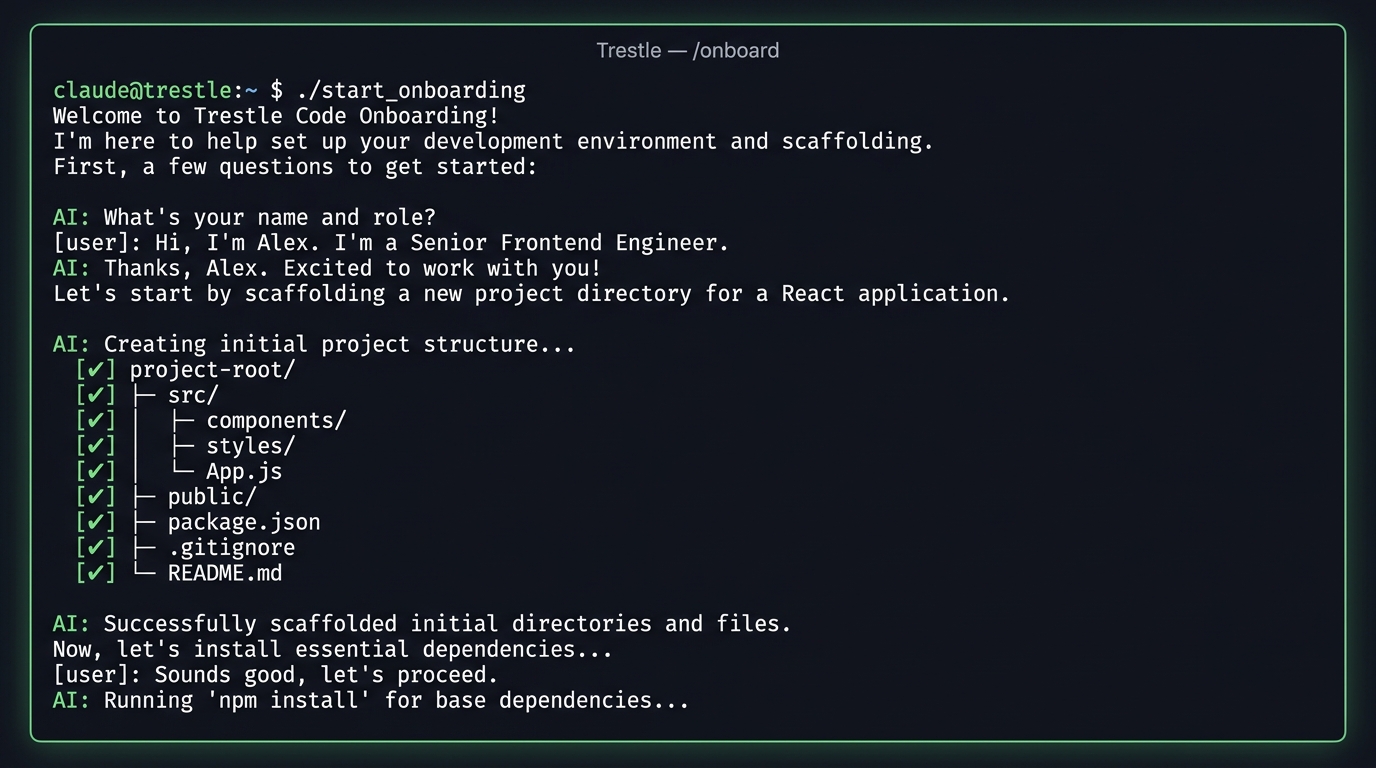
You run a one-liner, open Claude Code, and type /onboard. An interactive interview kicks off - your name, role, projects, tech stack, communication style, pet peeves. From your answers, Trestle builds:
- A knowledge base with folders for projects, career, personal context, and private credentials
- A memory system that persists across conversations - profile, preferences, feedback
- A skill catalog stub (_index.md) so the brain checks for existing skills before creating new ones
- Symlinks and settings that wire everything into Claude Code's native systems
- A health check behavior that runs before coding sessions
No configuration files to copy. No YAML to edit. You answer questions, and the workspace materializes.
Install
macOS / Linux:
git clone https://github.com/liormesh/trestle /tmp/trestle && /tmp/trestle/install.sh
Windows (PowerShell):
git clone https://github.com/liormesh/trestle $env:TEMP\trestle; & $env:TEMP\trestle\install.ps1
How It's Built
Trestle is deliberately low-tech. The entire tool is a single Claude Code skill file (SKILL.md) plus two install scripts - one Bash, one PowerShell. No npm, no pip, no build step. If you have git and Claude Code, you're good.
The skill file is the interesting part. It's a 400-line prompt that guides Claude through the interview, makes branching decisions based on answers, and generates all the files. The install scripts just copy the skill into place and set up a bootstrap instruction.
Why I Built It
I run six active projects through one Claude Code setup - each with its own context, skills, and workflows. That system took months to evolve through trial and error. Trestle packages what I learned so the next person doesn't start from scratch.
The name comes from a trestle - a three-legged support structure. A maker's workbench. The thing you build on.
Framework Guardrails
After months of daily use, a few patterns kept causing drift. Trestle now scaffolds guardrails that catch them early:
- MEMORY.md is governed by signal density, not line count. Every line must affect Claude's behavior in roughly 1-in-5 conversations. ~60-line soft cap as a smell test - if you're reaching for line 65, delete or move to MEMORY-extended.md rather than bending the rule. The old hard cap was a proxy for density that aged poorly
- No standalone feedback files. Feedback goes inline in the relevant knowledge base file - skill, project overview, book chapter. Only genuinely cross-cutting behavioral rules live in claude-memory/. This rule now ships as a default file with every install
- Skills need 3 repetitions. Do not encode a workflow as a skill until you have done it manually at least three times. The _index.md catalog gives the brain a single place to check before spinning up something new - often an existing skill just needs a new mode
- Analytics are passive. Skill invocations auto-log to _analytics/usage.log. Review monthly to spot dead weight
These are not preferences - they are scar tissue from real problems. v1.2.0 realigned the scaffolded defaults with how the framework is actually used in production, so new installs start in a consistent state instead of inheriting patterns the framework had since outgrown.